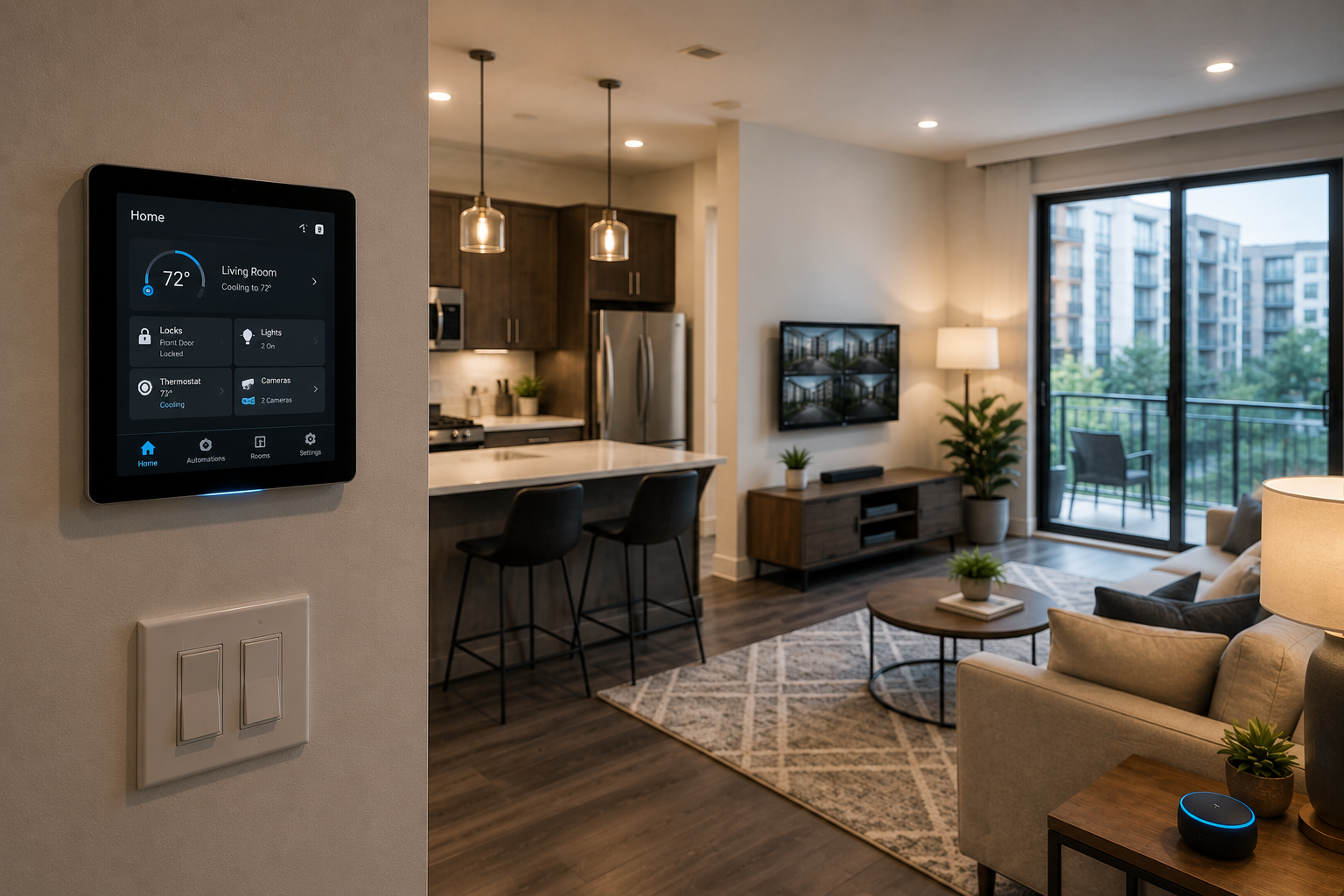

Multifamily operators are putting real money into smart building technology. Video intercoms, package lockers, cloud-managed thermostats, smart access control, leak sensors, cameras, and building automation are showing up in more properties every year. Some of it improves the resident experience. Some of it helps the site team. Some of it supports operating income, asset value, or both.
But a lot of these projects get sold as if the device is the whole solution. Pick the platform, install the hardware, train the team, and move on. The network usually gets treated like a background detail, even though the network is what allows most of those systems to function the way they were sold.
That is where smart building projects tend to get into trouble.
Most of these devices do not need a lot of bandwidth. A lock, thermostat, sensor, or access hub is not moving the same amount of traffic as a resident streaming Netflix. The issue is not speed. The issue is whether the property has a reliable, properly designed network underneath all of these systems. Without that, the property ends up with expensive technology that works most of the time, until it does not.
Most Smart Building Tech Does Not Use Wi-Fi
A lot of smart building systems do not connect directly to a Wi-Fi network. Smart locks, thermostats, sensors, and other devices may use Zigbee, Z-Wave, Bluetooth Low Energy, LoRaWAN, or another local protocol. Those technologies are built for low-power device communication, and they usually handle the short-range connection between the device and a hub or gateway.
That part can be easy to misunderstand. The device itself may not be on Wi-Fi, but the system still needs internet access. The hub, gateway, controller, or head-end device has to talk back to the cloud for authentication, remote management, software updates, event logs, alerts, permissions, reporting, and the features the property team actually depends on.
When the internet connection drops, the local protocol may keep working. A lock may still read a fob. A thermostat may still follow its last schedule. A camera may still record locally. But the “smart” part of the system is usually what disappears first.
What Actually Breaks When Connectivity Fails
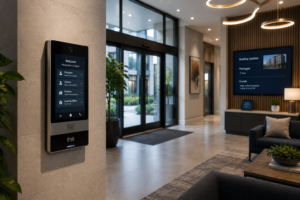 Access control is probably the easiest place to see the problem. Some systems can continue granting access with local credentials during an outage, so the door may still open with a fob or PIN. But remote unlock, mobile credentials, visitor access, real-time alerts, and cloud-based management can stop working. For a front entrance, that is not a minor issue. That is the difference between an amenity and a resident complaint.
Video intercoms are even more dependent on connectivity. If the system cannot reach the resident or the cloud service, the call does not complete. A guest stands at the front door, the resident gets frustrated, and the site team becomes the fallback support desk.
Cameras have the same issue. They may still record locally, but remote viewing, AI detection, alerting, and cloud access all depend on the network being available. The camera did not fail, but the property lost the features it needed in the moment.
Package lockers can turn into the same problem. Without connectivity, resident notifications can be delayed, staff overrides may not work correctly, and the locker becomes a much dumber version of what the owner paid for. Thermostats can keep running locally, but reporting, remote adjustments, portfolio-level energy management, and alerts all need a live connection. The basic hardware may keep doing something, but the value of the platform depends on the network.
The Hardest Failures To Identify
The worst smart building issues are not always clean outages. They are the partial failures that create noise for the property team.
The front entry panel works for some calls but times out on others. A package notification shows up late. A mobile unlock works three out of four times. A thermostat looks like it keeps falling offline. A camera alert does not come through until after the moment has passed.
From the resident’s point of view, the technology is broken. From the vendor’s point of view, the device may be fine. From the internet provider’s point of view, the circuit may look up. The property manager is left standing in the middle without a clean way to determine where the problem actually is.
That is how these projects become operational drag. The property bought technology to make the building easier to operate, but now the site team is chasing complaints, forwarding tickets, and trying to translate between vendors who do not own the whole experience.
The Network Should Be Designed Before the Devices Arrive
Smart building procurement and network infrastructure are often handled as separate projects. The property picks an access control vendor, signs a package locker contract, adds smart thermostats, and maybe upgrades cameras. The internet connection is whatever was already at the property. That may work for a while, but it is not a real strategy.
The network supporting property operations should be designed intentionally. Access control, cameras, thermostats, package systems, leasing office systems, maintenance systems, and resident internet should not all be treated the same. They have different uptime requirements, different security concerns, and different support paths. A smart building network does not need to be overcomplicated, but a few things should be settled before deployment.
The property needs resilient connectivity. If one circuit failure can take down every cloud-connected system on the property, the owner should know that before the system is live. In many cases, a backup connection is not a luxury. It is part of making the technology dependable.
The network needs proper segmentation. Access control, cameras, thermostats, and other building systems should not be sitting on the same network as resident traffic. Segmentation improves security, protects performance, and makes troubleshooting much easier when something goes wrong.
The operator also needs visibility. When a smart building system misbehaves, someone should be able to tell whether the issue is the device, the local network, the gateway, the circuit, or the vendor platform. Without that visibility, every issue becomes a finger-pointing exercise.
Finally, the property needs a real device inventory before go-live. Every connected system should be mapped, including the hub location, network requirements, IP needs, VLAN requirements, power needs, vendor support path, and any special configuration. The time to discover that an access control system needs a static IP or isolated network is during planning, not during an outage at the front door.
Smart Buildings Need Boring Reliability
The best smart building experience is not flashy. It is quiet. Residents get in the building. Packages trigger the right notifications. Cameras are available when they are needed. Thermostats report correctly. The site team does not have to become a help desk for every connected device on the property.
That kind of experience does not happen because the property bought the newest device. It happens because the infrastructure underneath the device was planned correctly.
Smart building technology can absolutely create value for residents, operators, and owners. But the value depends on the systems working consistently after installation, not just looking good in a sales presentation. The network is not a small line item behind the project. It is the foundation that determines whether the technology performs.
Before a property keeps adding smart building systems, it is worth asking a simple question: is the network actually built to support them?
If you are planning smart building upgrades and want to know whether the property infrastructure is ready, Internet Subway can help assess the current network, identify the weak points, and build a plan that supports the whole ecosystem instead of one device at a time.